
Office Automation

Screen, lights and blinds in the meeting room on one button. Occupancy-sensing lighting, card access, and equipment that switches off after hours.

  • One-touch meeting room setup
  • Occupancy and daylight-sensing lighting
  • Automatic shutdown after working hours
  • Card access with door entry logs
How it works at home

Office Automation in everyday life

A good share of an office's energy gets used when nobody is there. The last person out does not notice the meeting room lights, the air conditioning runs all weekend, the projector stays on overnight. Office automation cuts out these small losses and makes the working day a little easier for staff.

01/06

Meeting rooms ready at one touch

The first five minutes of a meeting often go on switching on the screen, finding the right input, dimming the lights and lowering the blinds. In an automated room you press "Presentation" on the wall panel: the screen switches on and selects the right input, the ceiling lights dim and the blind behind the screen comes down. A "Meeting" scene brings the lights up to full, and "Off" resets everything.

Depending on the model, screens and projectors are controlled over the network, RS-232, infrared or HDMI-CEC. During the site visit we check which method your equipment supports. We cover motorised blinds on the motorised blinds and shutters page.
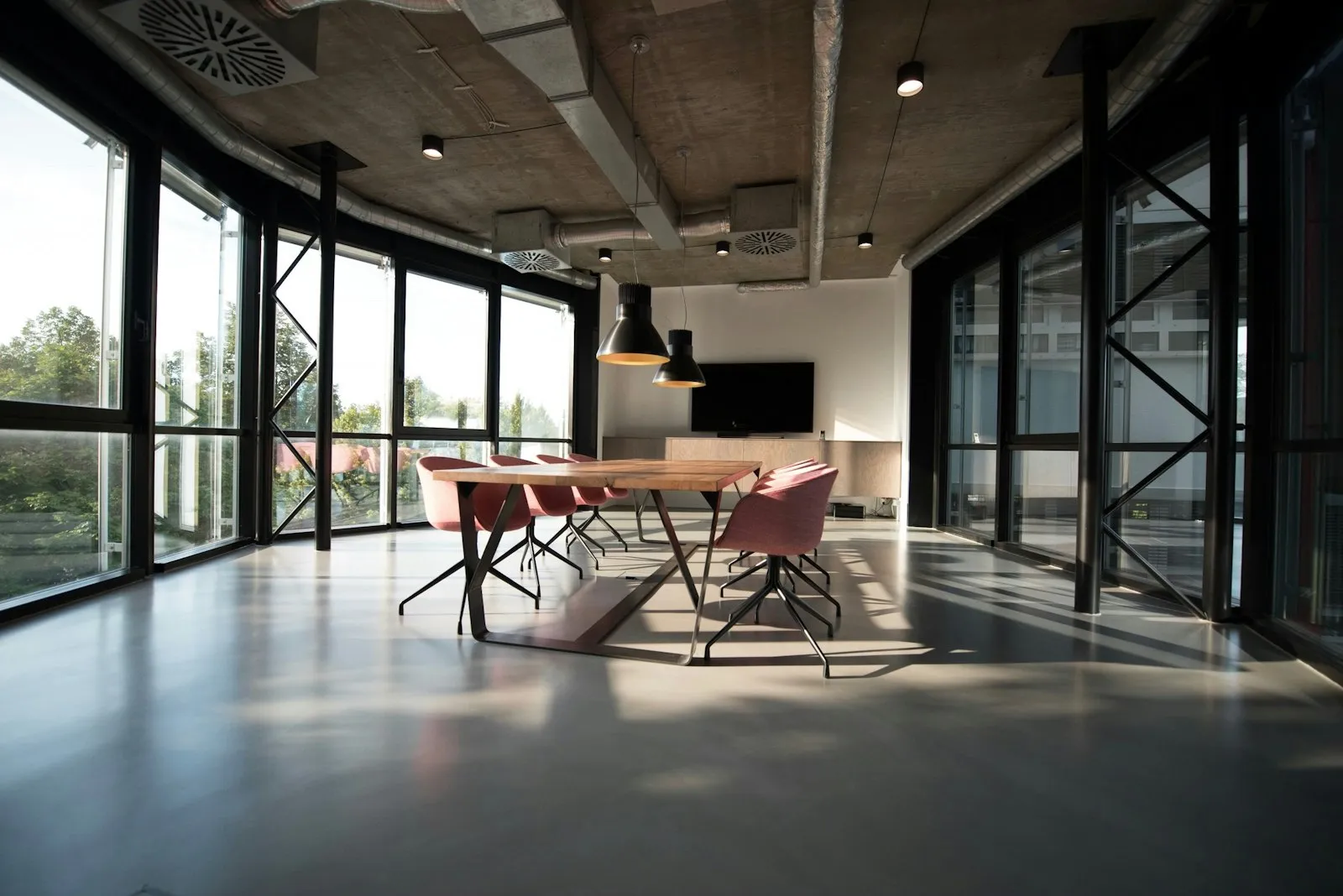
Office Automation
Office Automation · Samsun
02/06

Lighting in the work area

In open-plan offices it is common for all the lights to hang off a single switch, so the whole floor lights up when one person arrives early. Splitting the lighting into zones with an occupancy sensor in each one changes that. The zone where someone sits down lights up, and empty zones stay off.

At desks near the windows, a daylight sensor also helps. When enough daylight comes in, the fittings dim on their own and brighten again as the light fades in the late afternoon. For this the fittings need to be dimmable, ideally with a digital control protocol such as DALI.

03/06

What occupancy sensors are for

Occupancy sensors do more than switch lights on. If a meeting room is empty, the air conditioning turns off. Combined with a booking system, they show rooms that were booked but never used. Data on how much each area is used through the day also helps when you come to rethink the office layout.

Choosing the right sensor matters here. Ordinary motion sensors can lose track of someone sitting still at a desk, and the lights go out. Work areas therefore usually get more sensitive presence sensors.

04/06

Energy monitoring and after-hours shutdown

At the end of the working day, the system puts the office into closing mode. Lights go off, air conditioning shuts down, and plug-in equipment such as monitors and the coffee machine is disconnected. Circuits that need to stay on, such as servers, fridges and security equipment, are kept separate. Anyone working late can keep their own zone on for a while longer with a button on the panel.

Energy meters in the distribution board show how much each floor or circuit uses, which is a good starting point for working out where the bill comes from. Since climate control accounts for a large part of consumption in most offices, it makes sense to look at this together with smart climate control.

05/06

Access control

Card or code entry does away with handing out keys. When someone leaves the company, their card is deleted; a new starter gets a card of their own. The cleaning team can have access that only works at certain hours, and rooms such as the server room or the archive can be restricted to authorised staff. The system records who went through which door and when. For the door hardware, see our smart lock systems page.

These records count as employees' personal data and fall under KVKK, Turkey's data protection law. Before you start logging entries, we recommend agreeing with your company's legal adviser how staff will be informed.

06/06

Rented offices and new fit-outs

In a rented office there are limits on what you can do to walls and ceilings. Wireless sensors, smart plugs and modules fitted behind existing switches are a sensible way to start. If you are designing a new office floor, bringing lighting, climate, blinds and access control onto a single platform such as KNX makes life easier later: when the team grows or the layout changes, you change the settings instead of pulling new cables.

If you would like to talk about what makes sense for your office, get in touch. We will listen to how you use the space during and after working hours and start where most of the energy goes.

How we work

From first visit to handover in four steps

Smart home projects go wrong when decisions get made on the day of installation. So we split the job into clear stages from the start.

  1. 01

    Site survey

    We visit the home or the building site and look at the wiring, windows and heating system. We also ask how you actually live in the space.

  2. 02

    Design

    We put together a written plan: what gets controlled in each room, wired or wireless, and which scenes you want. You review it with us before any work starts.

  3. 03

    Installation & programming

    We fit the devices, program the system and test every scene on site. On renovation jobs we work to the same schedule as your electrician and other trades.

  4. 04

    Training & support

    At handover we walk through the app, the wall panels and the scenes together. If you want to change a scene or add a device later, just get in touch.

Frequently asked questions

Office Automation questions

Question not listed? Write to us

Yes. Wireless sensors, smart plugs and behind-the-switch modules go in without touching walls or ceilings. Most of them can be removed and taken with you when you move.

Most professional screens and projectors can be controlled over the network, RS-232, infrared or HDMI-CEC. We check your model during the site visit and find the method that works.

Ordinary motion sensors can miss someone sitting still. That is why work areas use more sensitive presence sensors, with the switch-off delay set to suit how the office is used.

Let's plan your smart home

Building new or upgrading the place you already live in? Tell us a little about the property and we will get back to you to arrange a site survey.