
- IP cameras: night-vision cameras for the entrance, garden, parking and indoors.
- Network video recorder (NVR): footage stored locally on a disk at home, with optional cloud backup.
- Alarm panel and sensors: door and window contacts, motion detectors and glass-break sensors.
- Safety sensors: water leak, smoke and gas detectors.
- Alerts and remote viewing: live view, playback and arming or disarming the alarm from an app.
Smart Security & CCTV
Cameras, alarms and door and motion sensors in one app. See what is happening at home from your phone, wherever you are.
- PoE IP cameras with local recording
- Alarm, door and motion sensors
- Water leak and smoke detection
- Live view and alerts on your phone
How it works at home
Smart Security & CCTV in everyday life
A smart security system is one where the cameras and alarm can talk to the rest of the house. When a conventional alarm goes off, a siren sounds. In a smart system, the lights come on at the same time, a video alert lands on your phone and you can see what is going on from wherever you are.
Home control08:30
PoE IP cameras with local recording
01/06
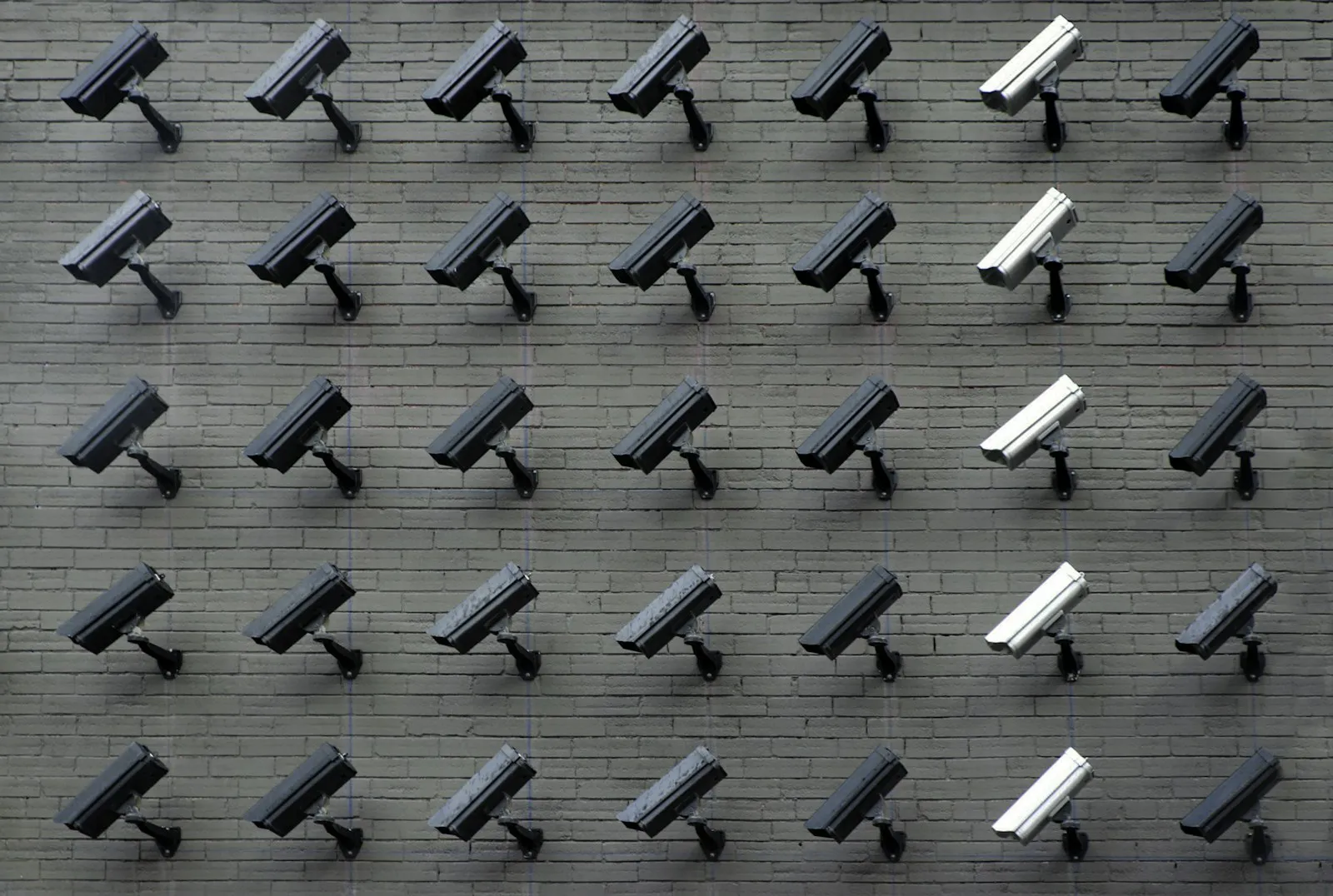
What goes into a smart security system
02/06
Example scenarios
Movement in the garden at night
When the garden camera detects movement at night, the garden lights switch on and a short clip arrives on your phone. If it turns out to be a cat or a branch moving in the wind, you can tell from the footage. Person and vehicle detection on the cameras cuts down on pointless alerts.
A leak in the kitchen
If the water sensor behind the dishwasher gets wet, you get a notification. Add a motorised water valve and the mains supply shuts off by itself. This is particularly useful in holiday homes that sit empty for long stretches.
When you are away for months
From abroad you can check the cameras, see whether the alarm is armed and, if needed, switch on lights or open the blinds. For owners who spend part of the year outside Turkey, this is often the main reason to install a system.
03/06
Planning a camera system
Wired or Wi-Fi?
For a permanent installation we prefer PoE (Power over Ethernet) cameras, where one network cable carries both power and data. That is more stable than Wi-Fi and there are no batteries to worry about. Wi-Fi or battery cameras can fill gaps where running a cable is difficult.
Where should recordings live?
Keeping footage on a recorder at home means recording continues when the internet drops. Cloud storage adds a backup in case the recorder is stolen or damaged. In most homes, using both is a sensible balance.
Angle and resolution
Where a camera points matters as much as its megapixel count. A camera meant to capture faces at the front door is positioned differently from a wide-angle camera covering the whole garden.
04/06
Legal and neighbourly considerations
The basic rule is that you monitor your own property. Cameras that look into a neighbour's window or garden, or onto a public area, can cause legal problems and friction with the neighbours. If you want cameras in shared areas of an apartment building, such as the stairwell or car park, you will need to agree this with the other owners and building management. Turkey's personal data protection law (KVKK) also applies, so we plan camera angles with you before installation.
05/06
Working with the rest of the house
Security becomes more useful once it is linked to home automation. Lights switching off and blinds lowering when the alarm is set, or the hallway light coming on when the door opens, can all run on the same system. To see who is at the door and let people in remotely, you can add a video intercom and smart lock to the same setup.
06/06
Things to keep in mind
- Put the recorder and router somewhere that is not easy to reach.
- Change the default passwords on cameras and apps during installation, every time.
- Plan for power cuts with a backup battery in the alarm panel and a UPS for the recorder.
- Outdoor cameras need to be rated for moisture and rain.
To assess the security needs of your home or business on site and plan camera angles together, contact us.
Better together
All services Systems that work alongside this one
01
Smart Climate Control
Run your boiler, underfloor heating and air conditioning room by room and hour by hour. Heating stops when a window opens.
Learn more 02Motorised Blinds & Shutters
Curtains, roller blinds and shutters that open and close by time, sun and wind. Battery motors available for existing homes.
Learn more 03Smart Lock Systems
Open your door with a code, card, fingerprint or phone. Give guests time-limited codes and see who came in and when.
Learn moreHow we work
From first visit to handover in four steps
Smart home projects go wrong when decisions get made on the day of installation. So we split the job into clear stages from the start.
- 01
Site survey
We visit the home or the building site and look at the wiring, windows and heating system. We also ask how you actually live in the space.
- 02
Design
We put together a written plan: what gets controlled in each room, wired or wireless, and which scenes you want. You review it with us before any work starts.
- 03
Installation & programming
We fit the devices, program the system and test every scene on site. On renovation jobs we work to the same schedule as your electrician and other trades.
- 04
Training & support
At handover we walk through the app, the wall panels and the scenes together. If you want to change a scene or add a device later, just get in touch.
Yes, if footage is stored on a recorder at home. Without internet, only remote viewing and notifications stop working.
For shared areas you need to agree it with the other owners and building management. Inside your own flat and on your own property you don't need that, though we still make sure the camera doesn't look onto neighbouring spaces.
You decide which user can access which camera in the app. During installation we change default passwords and limit access to the accounts you set up.
Let's plan your smart home
Building new or upgrading the place you already live in? Tell us a little about the property and we will get back to you to arrange a site survey.