
Multiroom Audio & Home Cinema

Different music in every room or the same track throughout, in-ceiling speakers and a home cinema that starts with one button.

  • Room-by-room music and volume
  • In-ceiling and outdoor speakers
  • Home cinema and cinema room setup
  • Movie scene with lights and blinds
How it works at home

Multiroom Audio & Home Cinema in everyday life

Multiroom audio lets you play music in different rooms, either separately or in sync. The radio in the kitchen, an audiobook in the kids' room and something mellow on the terrace in the evening, all from one app. A home cinema turns your living room, or a room of its own, into a space set up properly for watching films.

Home control07:00

Room-by-room music and volume

01/05

How multiroom audio works

Each room or zone has an amplifier channel and its own speakers. The source can be a music app on your phone, internet radio or a turntable at home. In the app you choose what plays where and how loud, or group the whole house onto the same song.

Speaker options

  • In-ceiling and in-wall speakers: practically invisible apart from the grille. They go in while the plasterboard ceiling is being built.
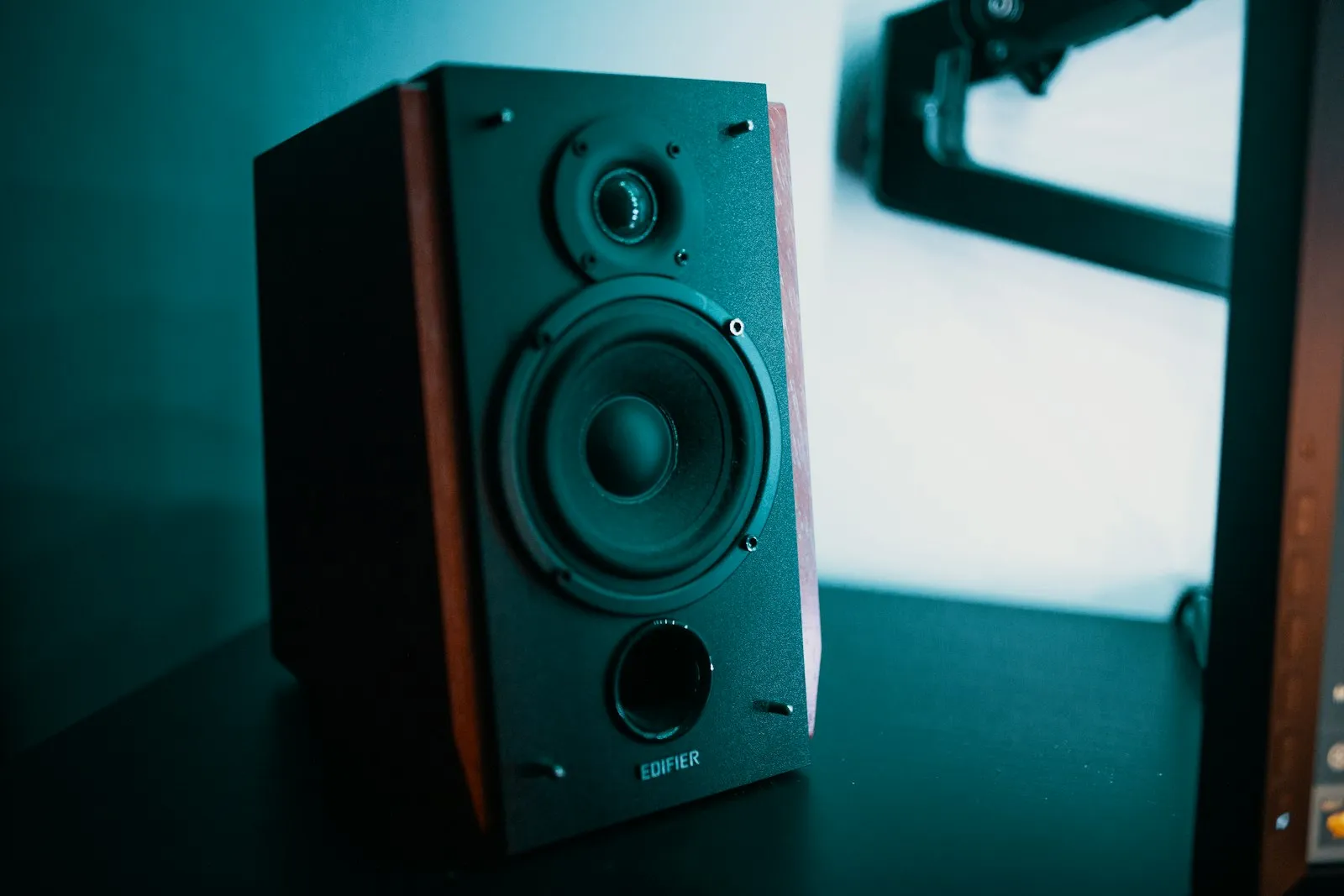
  • Bookshelf and floor-standing speakers: for a fuller sound in the living room or study.
  • Wireless smart speakers: no building work, just plug in and connect to the network. A practical starting point in an existing home.
  • Outdoor speakers: moisture-resistant models for the garden, terrace or pool area.

Streaming

To send music from your phone, you will use AirPlay 2, Chromecast or Spotify Connect. Whether your household is mostly iPhone or Android, and which streaming service you use, affects product choice, because not every system supports every protocol.
Multiroom Audio & Home Cinema
Multiroom Audio & Home Cinema · Samsun
02/05

Home cinema

A home cinema is about sound, lighting and the room itself, as well as a good TV or projector. A typical setup has an AV receiver, front, centre and rear speakers and a subwoofer. Adding ceiling speakers lets you play formats with height channels such as Dolby Atmos.

Living room or dedicated room?

In a living room, furniture layout, windows and everyday use come first, so speakers are chosen to suit the décor or built in. A dedicated cinema room lets you plan blackout, acoustic panels, seating and projection distance from scratch.

Acoustics

Bare walls, large glazed areas and hard floors bounce sound around and cause echo. Rugs, heavy curtains and acoustic panels tame those reflections. An expensive sound system can disappoint in a room where nobody has thought about acoustics.

03/05

Working with lighting and blinds

When audio and video are connected to home automation, a single "Movie" button dims the lights, closes the curtains, lowers the projector screen and switches the AV receiver to the right input. Pause the film and the hallway light comes on at a low level. For that, the system needs to share a platform with your smart lighting and motorised blinds.

Multiroom audio works the same way. A "Morning" scene can put the news on in the kitchen, and "Away" stops the music in every room.

04/05

New build or existing home?

If you want in-ceiling speakers or a dedicated cinema room, the best time is during construction or a major renovation. Speaker cables, power and video runs for a projector and the equipment cabinet all need to be in place before the plasterboard goes up. Don't forget ventilation for the equipment rack either; amplifiers get warm.

In a home you already live in, wireless multiroom speakers and a soundbar can give good results without opening up walls. If you later want built-in speakers, we look at your existing ceilings and possible cable routes during the survey.

05/05

Things to keep in mind

  • In apartments, subwoofer choice and placement matter because bass travels to the neighbours.
  • Wireless multiroom relies on your home network. If Wi-Fi coverage is patchy, the network needs sorting out first.
  • Controlling everything from one app makes daily use much easier than a drawer full of remotes.

To have us look at your living room, terrace or the space you have in mind for a cinema, get in touch. We will work out an audio and video plan that fits the room.

How we work

From first visit to handover in four steps

Smart home projects go wrong when decisions get made on the day of installation. So we split the job into clear stages from the start.

  1. 01

    Site survey

    We visit the home or the building site and look at the wiring, windows and heating system. We also ask how you actually live in the space.

  2. 02

    Design

    We put together a written plan: what gets controlled in each room, wired or wireless, and which scenes you want. You review it with us before any work starts.

  3. 03

    Installation & programming

    We fit the devices, program the system and test every scene on site. On renovation jobs we work to the same schedule as your electrician and other trades.

  4. 04

    Training & support

    At handover we walk through the app, the wall panels and the scenes together. If you want to change a scene or add a device later, just get in touch.

Frequently asked questions

Multiroom Audio & Home Cinema questions

Question not listed? Write to us

Often, if there is a suspended or plasterboard ceiling, but cable routes and the void above need checking. We assess this on site. If you would rather not open anything up, wireless speakers are a good option.

Most multiroom systems support at least one of AirPlay 2, Chromecast or Spotify Connect. Tell us which phone and service you use and we will choose products to suit.

No. A good home cinema can go in the living room; a dedicated room just gives you more control over light and acoustics.

Let's plan your smart home

Building new or upgrading the place you already live in? Tell us a little about the property and we will get back to you to arrange a site survey.